
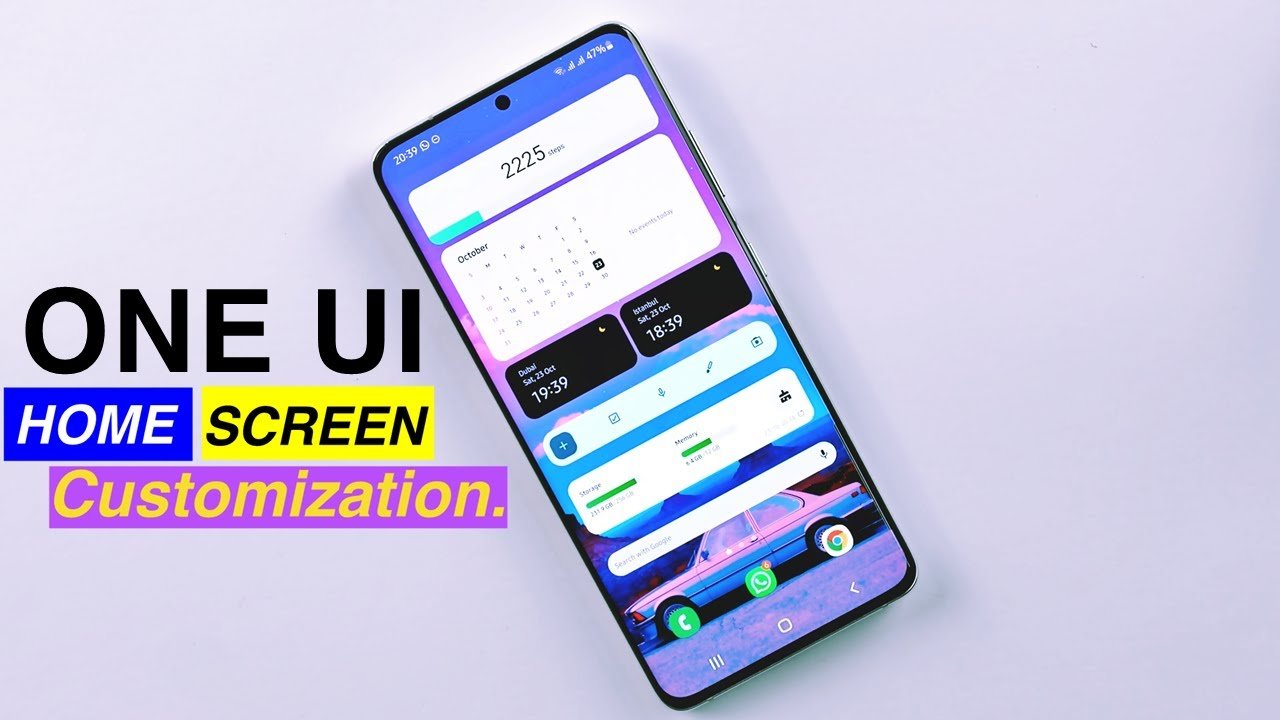
Samsung has officially released a substantial update to its Home Up module within the Good Lock suite, including a new UI and a plethora of customization options for the future Samsung’s Refreshed Home Up One UI 7. The update improves the home screen experience by increasing flexibility, smoothing animations, and introducing enhanced gesture controls. Users wishing to customize every part of their home screen now have access to a plethora of additional features geared to provide a more personalized experience. As a result, the revised Samsung Home Up app is now available for download from the Galaxy Store or APK Mirror, with version 16.0.00.56 on its way. However, its availability is variable between devices.
Here are the Advantages of the Update Samsung Home Up list
Refresh the UI and Customisation Choices
The latest version of Samsung’s Refreshed Home Up features a revised interface that is consistent with Samsung’s One UI 7 aesthetics. The updated design makes navigation more easy, allowing users to easily access numerous functionalities. It includes the new DIY Home Screen option, which allows you to completely customize the placement of icons, widgets, and stickers. It offers adjustable layouts, such as 7×7 and 4×4 grids, and allows users to rotate icons for a more personalized design.
Samsung also improved folder customization. Users can dynamically alter folder sizes, making them smaller or larger to accommodate more apps. The update includes Background Blur Control, which lets users tweak or totally remove the blur effect.
Home Screen and Gesture Upgrades
The Home Up upgrade includes a new level of animation customisation, addressing long-standing concerns with One UI’s default transitions. It includes a specific section for customizing home screen animations, with preset styles including Classic, Dynamic, Elegance, and Sweet, each with its own animation speed and mood.
For those who prefer greater control, it includes an Advanced Tuning menu that allows users to change characteristics such as damping, stiffness, friction, and interpolator settings. These fine-tuned modifications lead to a much smoother and more responsive animation experience.
Samsung has also extended its gesture capabilities. The upgrade allows users to customize multi-finger gestures, home screen transitions, and Samsung Home Up UI 7 reaction times. These enhancements lead to a more fluid navigation experience, with animations responding accurately to user input.
Edge Panel and Task Switcher
The Edge Panel has been significantly upgraded, making it more adaptable. Users may now adjust the grid size to accommodate more apps, view a scrolling list of recent apps, and keep the panel visible in immersive mode, such as while viewing videos. These modifications make multitasking more efficient by minimizing the number of steps required to open frequently used apps.
Task Changer, a popular tool that was missing in earlier releases, has returned with several layout possibilities. To see previously opened apps, users may now choose from Grid, Vertical List, Slim List, or Mini Mode. The Mini Mode is especially beneficial for one-handed usage, allowing users to swiftly switch between programs without stretching their fingers over the screen.
Conclusion
Samsung’s redesigned Home Up module is a big improvement, giving an unprecedented level of customisation to One UI 7. The combination of DIY home screen tools, gesture fine-tuning, better multitasking options, and animation controls allows each user to customize their experience to their specific needs.
While certain features may still have small problems, this upgrade provides a solid platform for future improvements. Samsung Home Up is a must-have app for everyone looking for the most personalized smartphone experience possible.

