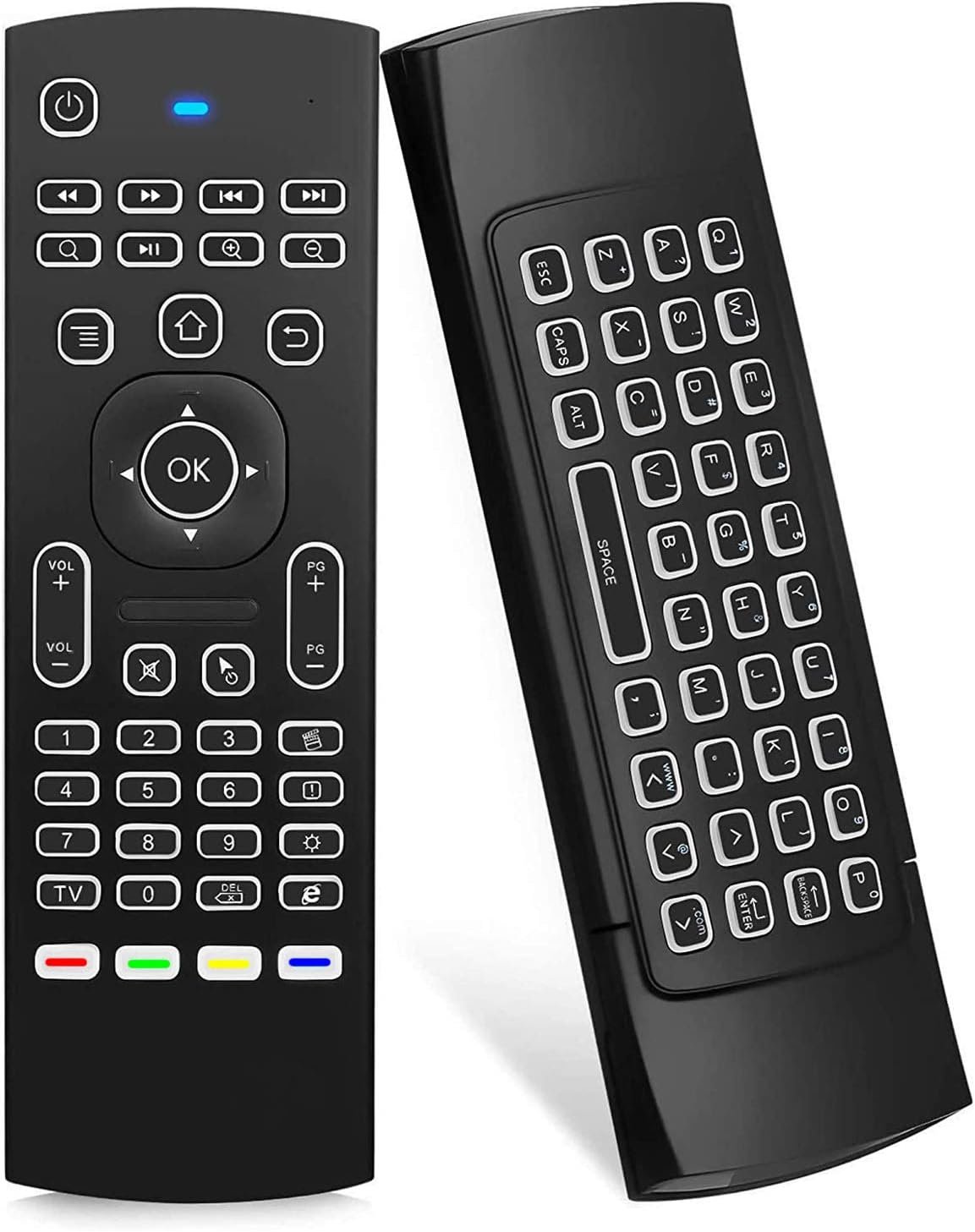
Are you looking for a smart remote control? The Lasco WiFi IR + RF Universal Remote Control is an IR universal remote that you can place anywhere in the room. It provides a useful way to control your smart devices. You can use the HomeMate Smart App on your phone to control your gadgets with the Smart IR instead of your old remote control.
Lasco designed this innovative remote control to make things more convenient at home. This is the Lasco WiFi IR + RF Universal Remote Control. In this article, we will review this smart universal remote control.
What Is the Lasco WiFi IR + RF Universal Remote Control?
The Lasco WiFi IR + RF Universal Remote Control combines radio frequency and infrared technology in one small gadget. It provides smooth control over your household appliances.
This smart remote supports voice commands through Alexa and Google Home. You can also control it through the Lasco App on your mobile device. In addition, you do not need a hub to use it.
The adaptable design allows you to control a variety of IR and RF devices. As a result, it can be a useful choice for modern smart home automation.
Product Features
- Infrared Frequency: You can control most of your infrared-frequency gadgets through IR frequency.
- Radio Frequency: You can operate 433 MHz and 315 MHz radio frequency devices.
- 360-Degree Coverage: The device provides control across the overall area.
- Voice Command: Use Siri Shortcut, Google Home, Amazon Alexa, and Google Assistant to operate your gadgets with voice commands.
- Mobile Control: You can use your phone to control your devices from anywhere in the world as long as you have an internet connection.
- Set On/Off Schedule: You can program your devices to turn on and off on certain days of the week or every day.
- Group Control: You can control multiple Lasco smart devices at the same time by grouping them together.
- Gadget Sharing: You can allow several members of your family or household to share the gadget.
- No Hub/Gateway Needed: You can use your Lasco smart device without an additional hub or gateway.
How Do I Install the Lasco Smart Universal Remote Control?
When you purchase the Lasco WiFi IR + RF Universal Remote Control, it comes with a micro USB cable for connecting it to a socket. However, an adapter is not included.
The product has a button on the lower back for turning it on. It also has a light on the front that indicates its status.
To start the device, insert one end of the USB cable into the product. Then, connect the other end to the socket. Once you plug it in, the small light at the front will automatically turn on.
If the light blinks, the device is ready for pairing. However, if the light stays on steadily, you need to reset the device. Press the button on the back to restart it.
First, download the Lasco app on your mobile phone. Then, use the app to start the device setup. The instructions in the app are clear, so you can follow the steps provided.
However, it may be even better to watch a video that shows you how to operate the device. This can help you understand the setup process and use the remote correctly.
In conclusion, the smart universal remote control is another device that can help you reduce the amount of work you do around your home. You can purchase this smart product from any online shop.